
How might we design a flexible product configurator to enable self service and remote decision-making
Hardware, Lumber and Building Material
Role
UI/UX Designer
Platform
Responsive Web App
Year
2024 to 2025

The project was developed during the pandemic, with a strong focus on enabling users to configure products, request quotes, and manage orders remotely without needing in-person interaction.I designed end-to-end user flows that balanced complex product data with usability, ensuring accessibility, clarity, and performance across devices.
My experience
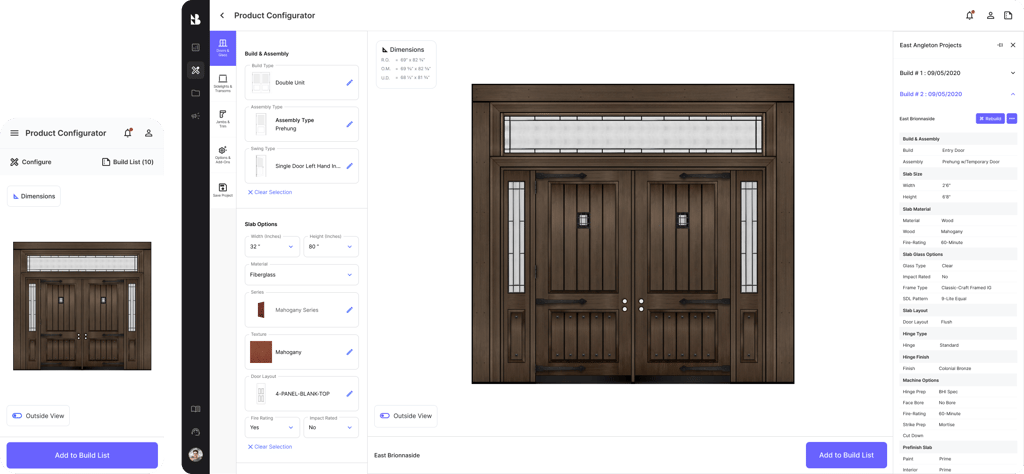
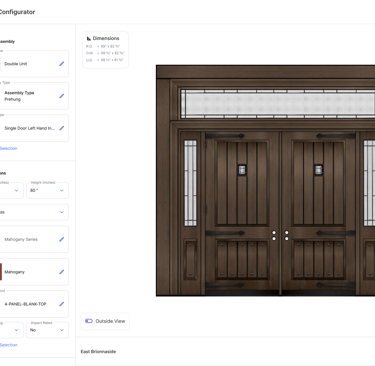
Problem: What’s not working?
The experience needed to support complex product configuration in a fully remote setup, but several gaps made this challenging:
Information overload, due to a wide range of configurable products and attributes
Limited asset flexibility, with product visuals initially available only in static formats
Complex configuration flows, requiring multiple steps across different screens
Inconsistent experience across devices, especially when adapting to mobile
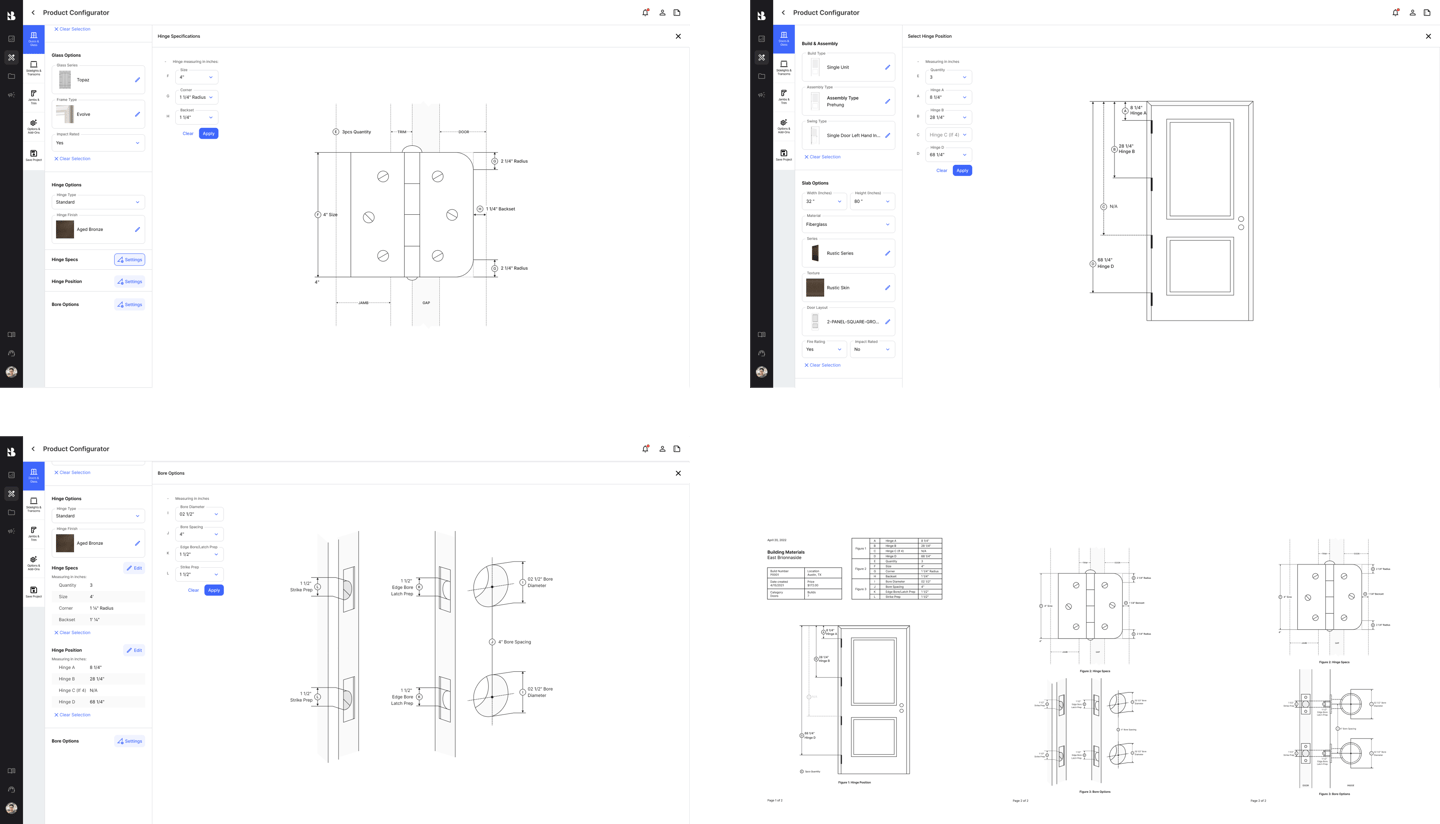
Difficulty visualizing outputs, including product specifications and final configurations
Performance constraints, especially with image-heavy assets and large datasets
I understand that social proof is important. At the same time, my relationships with clients and previous companies matter just as much.
Due to strict NDAs, I am unable to share detailed visuals or specific client information for some projects. In certain cases, screens have been adapted, modified, or blurred to protect sensitive data. In others, I have chosen not to show them at all to fully respect confidentiality requirements.
What I can share is how I approach complex problems, collaborate with teams, and deliver meaningful outcomes. If you are curious, I would be happy to walk you through these experiences.
Hear more stories
Impact & Value Proposition
I improved usability and accessibility across a complex product configurator by:
Translating mobile-first designs into responsive desktop and tablet experiences while maintaining consistency and optimizing layouts for better data visibility
Simplifying interaction patterns by replacing disruptive pop-ups with inline components, enabling smoother and uninterrupted workflows
Designing comparison-friendly layouts, including side-by-side views, to support faster and more accurate decision-making
Validating solutions with field inspectors to ensure usability aligned with real-world conditions and varying levels of digital familiarity
Collaborating closely with cross-functional teams to balance technical accuracy, regulatory requirements, and user needs
Reduced cognitive load and improved clarity when working with complex product data
Enabled users to confidently configure, review, and manage products remotely
Improved flexibility through features like reusable configurations and exportable outputs
Supported accessibility and inclusivity by aligning with web accessibility standards
Contributed to early client validation, generating interest and prospective adoption during beta testing
This approach:

Made with tender loving care. Fuelled by dirty matcha and a bit of anxiety.